Users and families can be marked as active (currently enrolled, attending classes) or inactive (no longer attending, on extended break). Inactive students are excluded from reports and don't appear in active class rosters, but their historical data is preserved.
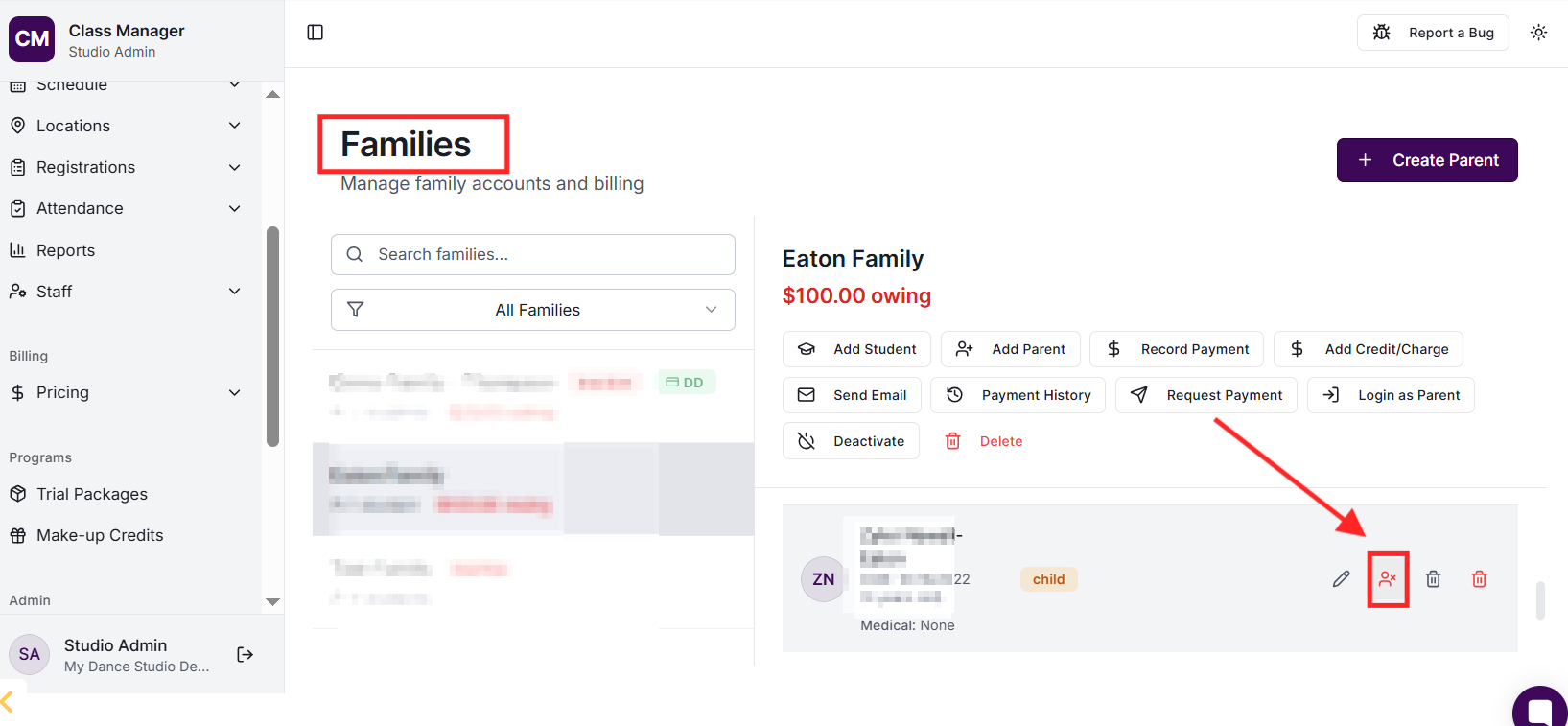
Go to Families, find the student, and click the deactivate button. Deactivating a student automatically ends all their active enrolments. The student record is preserved for historical purposes but they won't appear in attendance lists or reports.
Deactivating a family has cascading effects: all students in the family are set to inactive, all their active enrolments are ended, and the family's direct debit billing is paused. This is useful when a family leaves your studio or takes an extended break.
Can I reactivate a student or family?
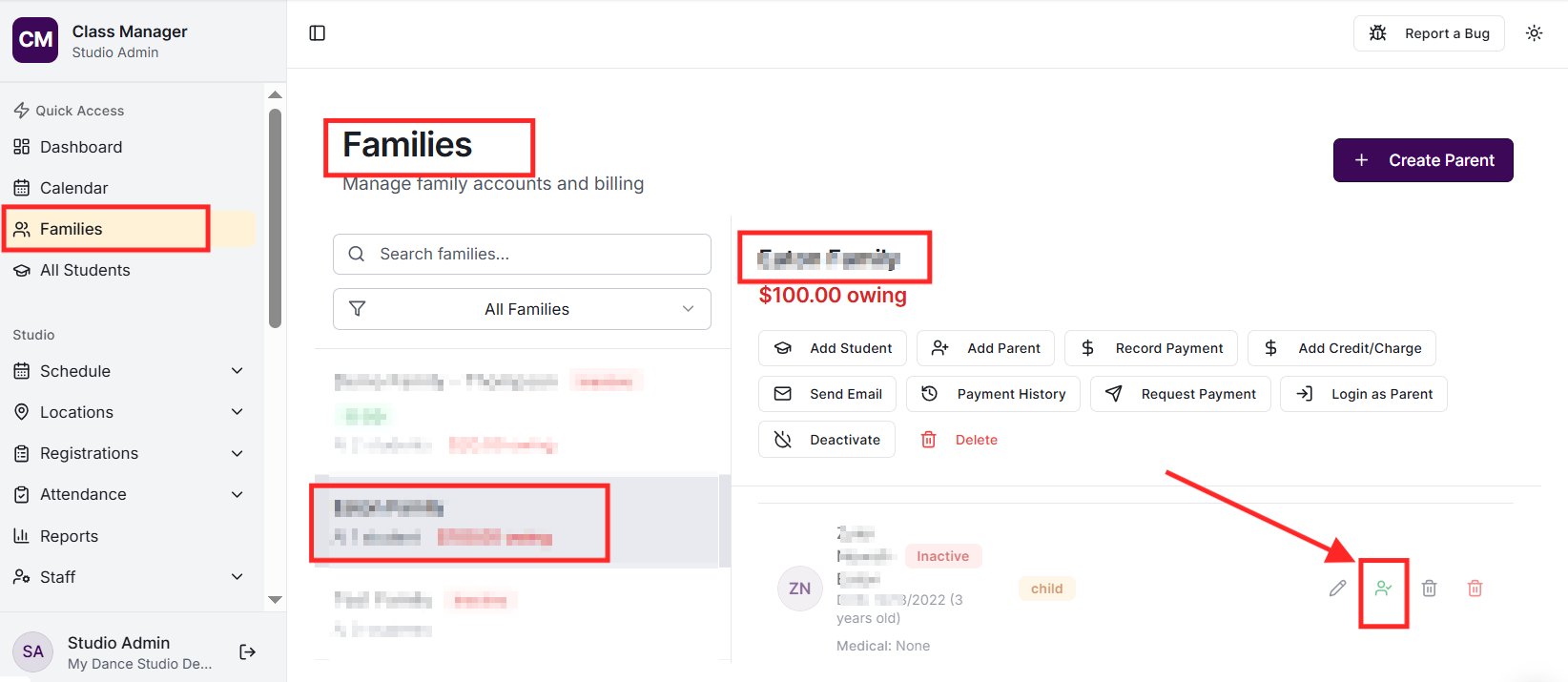
Yes! Inactive students and families can be reactivated at any time. However, reactivation doesn't automatically recreate their previous enrolments - you'll need to enrol them in classes again manually.
Are inactive students included in reports?
No, inactive students are excluded from all reports including dashboard metrics, attendance reports, class utilisation, and enrolment reports. This ensures your analytics reflect your current active student population.
Inactive families and students show a muted styling and status badge in the Families page. You can also filter the view to show only active or only inactive records.


