The studio PIN is a 4-8 digit code that secures access to your studio's Class Manager portal. It's the first layer of security - users must enter the correct PIN before they can attempt to log in with their username and password.
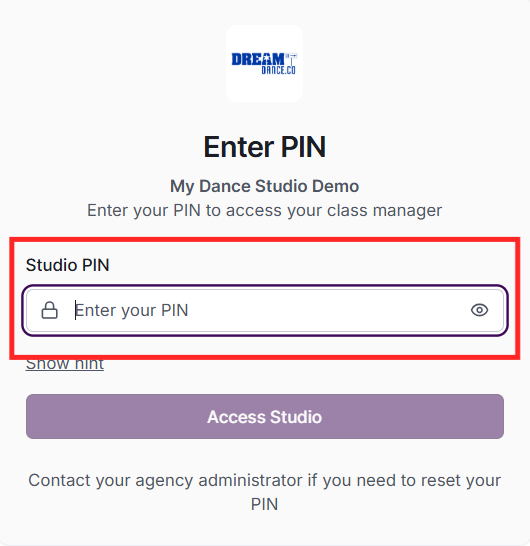
When you first access your studio via the link provided by your agency, you'll be prompted to create a PIN. Choose a memorable 4-8 digit code and optionally add a hint to help you remember it.
Users access your studio via a special link that includes your Location ID (subAccountId parameter). After entering the correct PIN, they see the login screen. Different roles (admin, teacher, parent) log in through appropriate portals based on the access link.
Contact MSM Support if you need to reset your studio PIN. They can reset it from the agency portal's Studios page, allowing you to set a new PIN on your next access.
The admin PIN provides access to the full admin portal with all features. The teacher PIN (configured separately in Settings) provides access only to the teacher portal where teachers can view their classes and mark attendance. This separation ensures teachers only access what they need.
