Notifications can be sent for: new registrations, trial requests, trial approvals, class cancellations, session changes, attendance alerts, and more. Notifications can be sent via email or SMS.
Note: A phone number is required in MSM to send SMS messages.
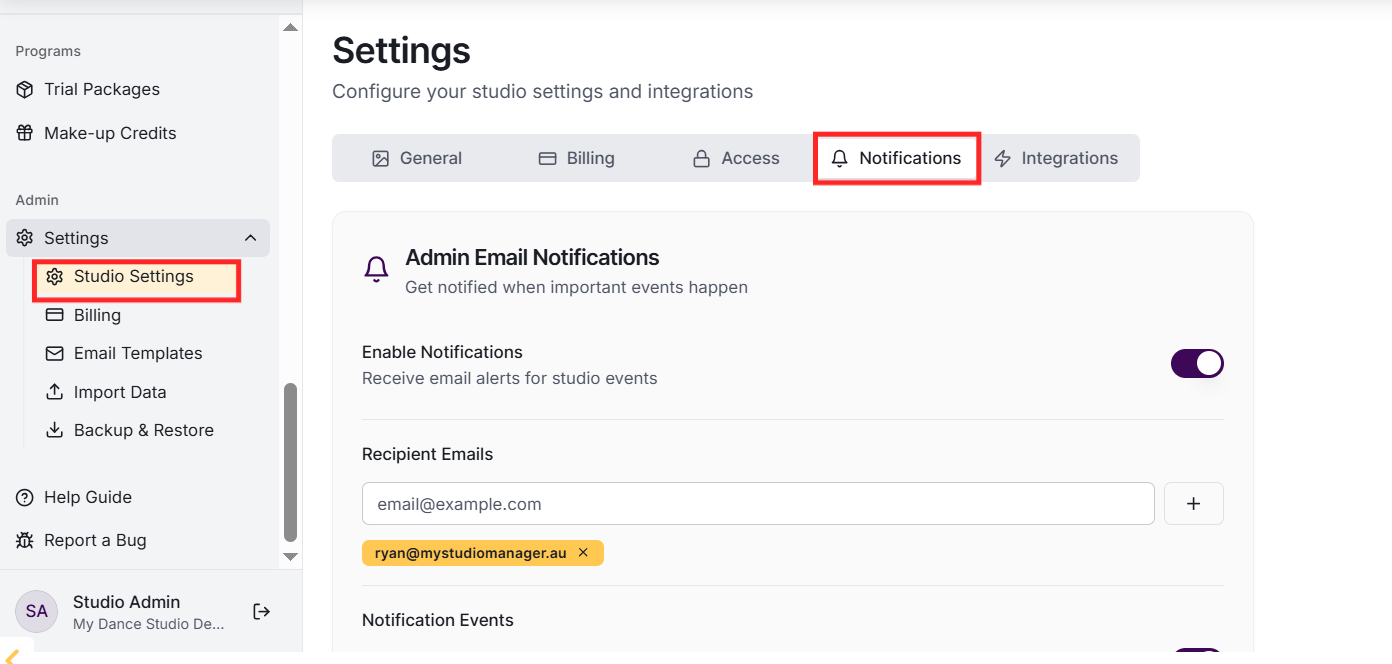
Go to Settings and find the Notification Settings section. For each notification type, you can enable/disable it, set recipient email addresses, and customise which events trigger notifications. Test notifications can be sent to verify configuration.
How do SMS notifications work?
SMS notifications require My Studio Manager integration. Once configured, SMS can be sent for urgent notifications like class cancellations. Messages are sent to the phone numbers stored in your MSM contact. SMS uses Australian date formatting.
Yes, parents can receive notifications for events related to their children: class cancellations, attendance alerts (if enabled), trial approvals, and more. Parents manage their notification preferences in their portal settings.
