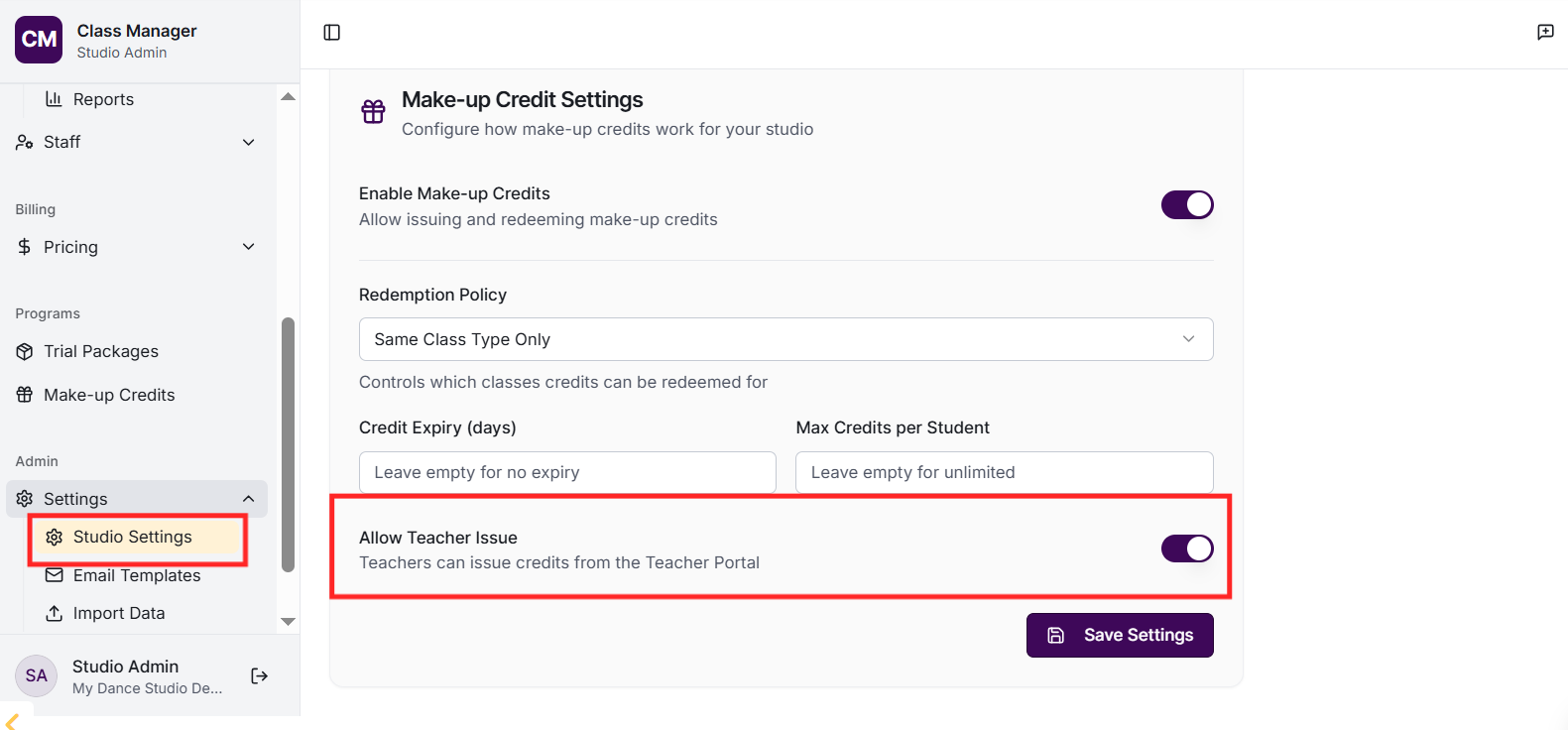
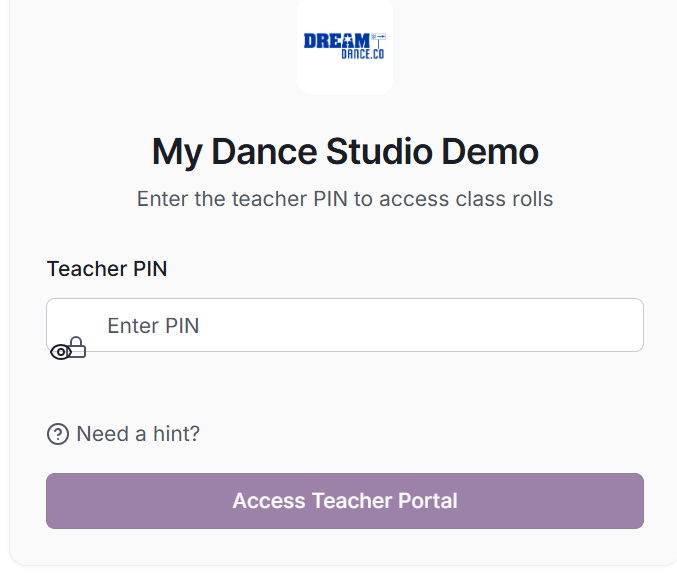
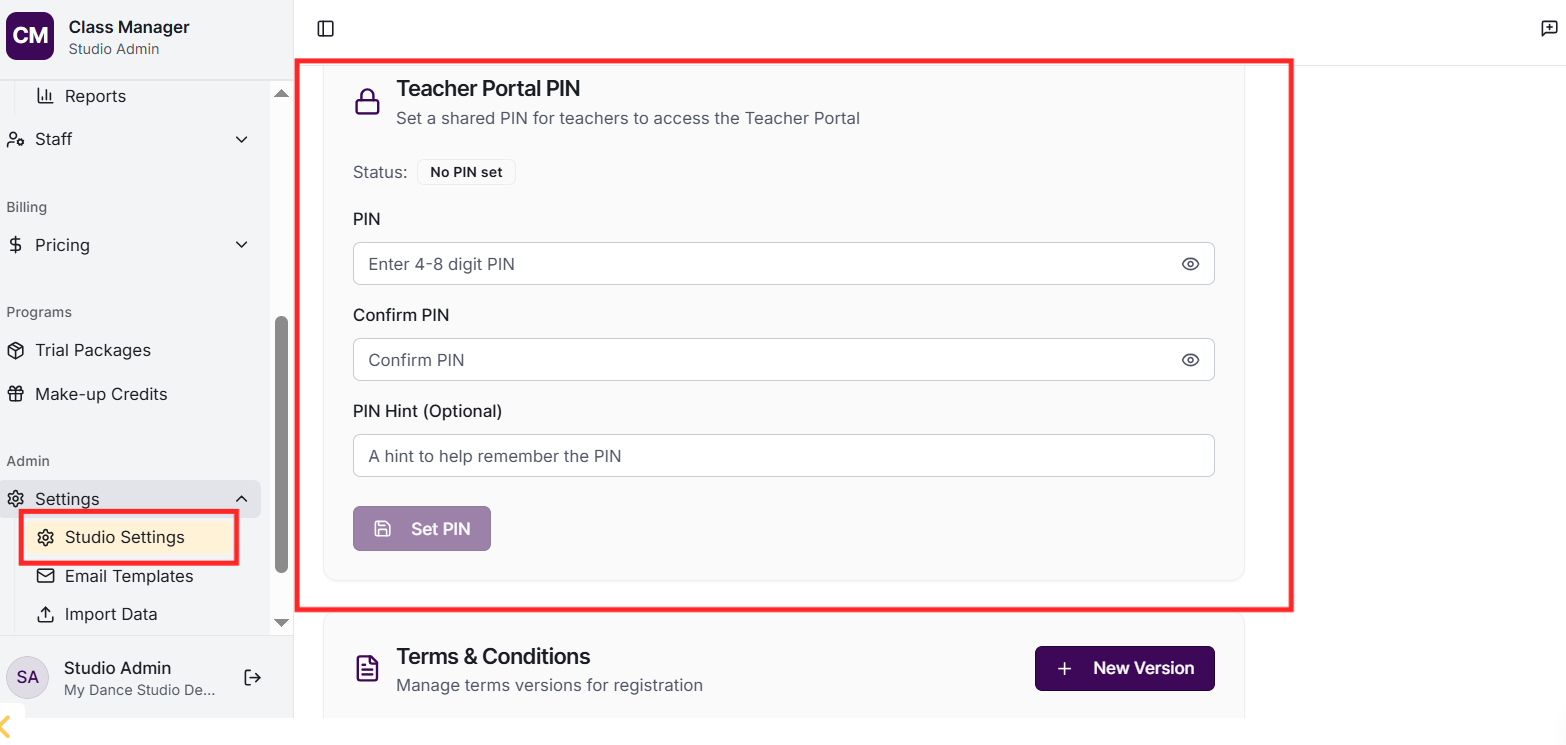
Teachers access via a special URL with your studio's unique teacher link. They enter the Teacher Portal PIN (set in Settings > Teacher Portal PIN, separate from the admin PIN).
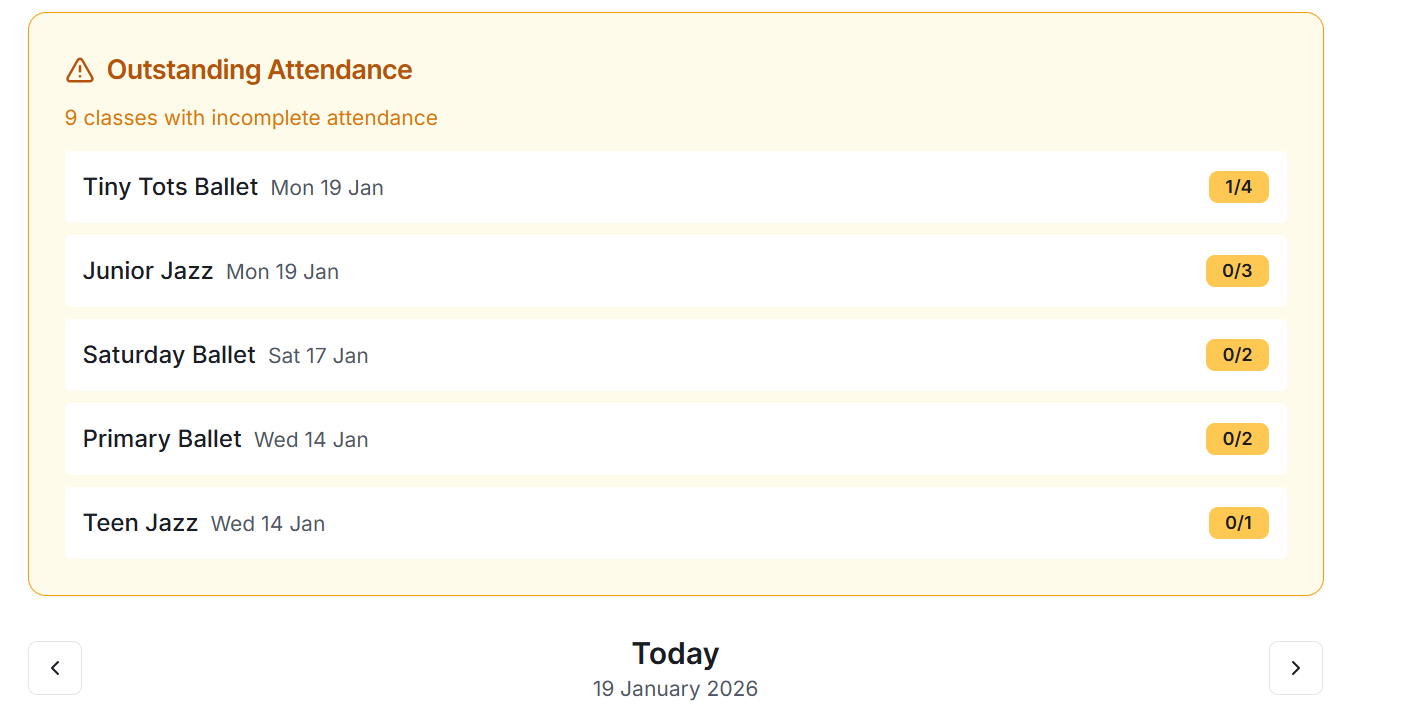
Teachers can: view today's classes they're assigned to, navigate between dates to see upcoming/past classes, open class rolls to mark attendance, view enrolled student details including medical notes and emergency contacts, and see student photos for identification.
How do I set up teacher portal access?
Go to Settings and find 'Teacher Portal PIN'. Set a PIN that teachers will use (different from the admin PIN). Then share the teacher portal URL with your teachers. Create login accounts for each teacher in the Families or Contacts section.
No, teachers only see classes they're assigned to teach. This ensures teachers focus on their own classes and maintains privacy. Admins can change teacher assignments in the Classes section.
This depends on your settings. If 'Teachers can issue credits' is enabled in Make-up Credit settings, teachers can issue credits when marking a student as absent or excused. Otherwise, only admins can issue credits.