Before completing this step, ensure that both your Address Bundle and Regulatory Bundle have been approved in the previous task.
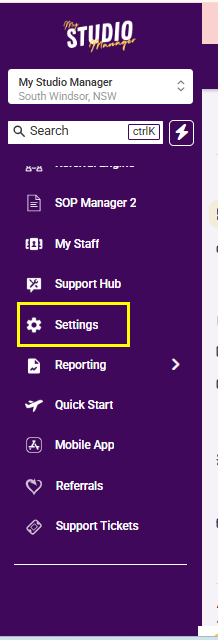
Navigate to Settings.
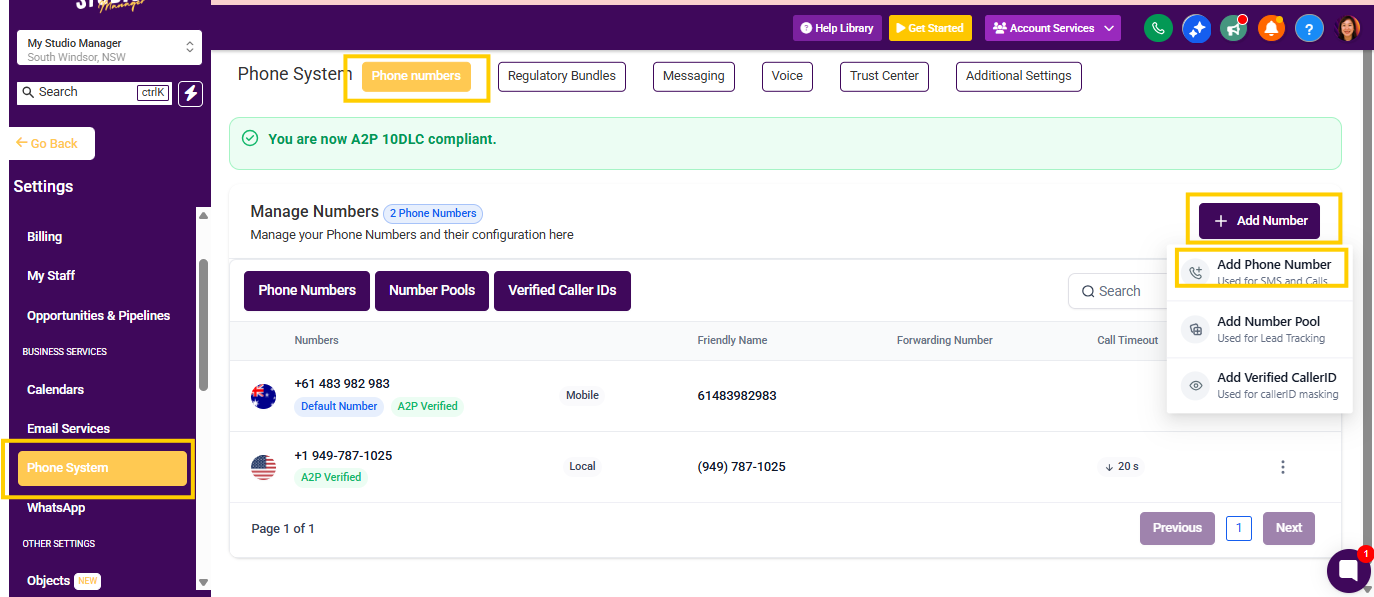
Click Phone Systems.
Click Add Number, then select Add Phone Number from the dropdown menu.
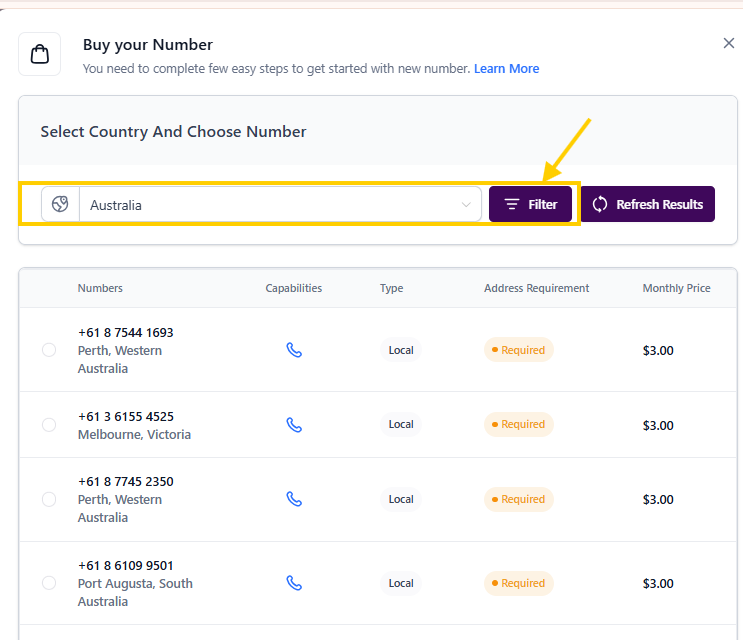
Click the Country Selector and choose Australia from the list.
Click Filter.
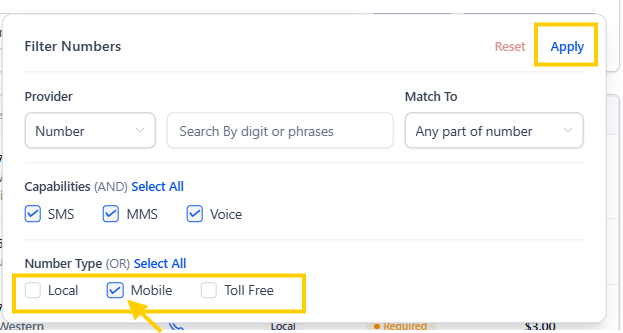
Untick Local and Toll Free from the number type options.
Click Apply.
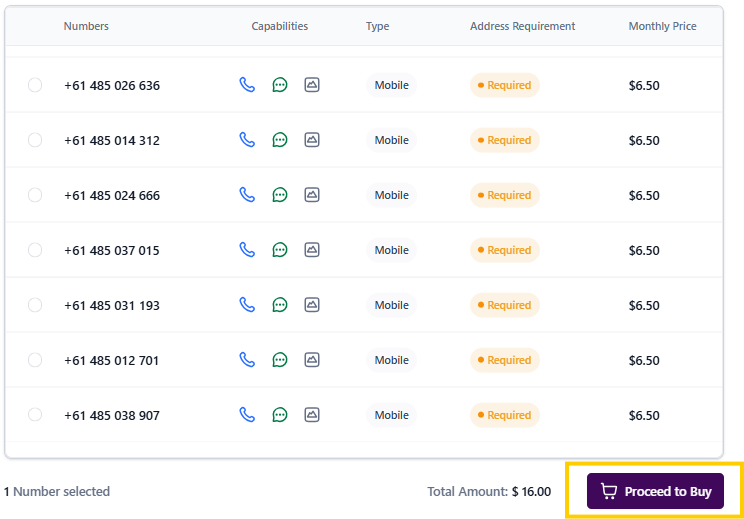
Select the mobile number you would like from the list.
Click Proceed to Buy.
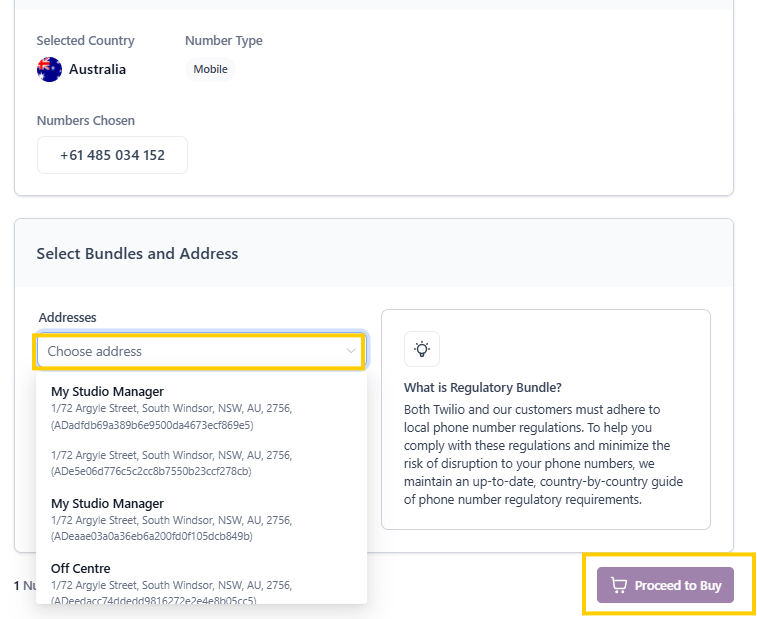
In the Addresses field, select the address from your approved Regulatory Bundle.
If more than one option appears, make sure you select the correct address.
Click Proceed to Buy and follow the prompts to complete your purchase.
mystudiomanager.07032026
