This guide will walk you through submitting the Address Bundle and Regulatory Bundle required before purchasing a phone number for your Phone System.
Navigate to Settings.
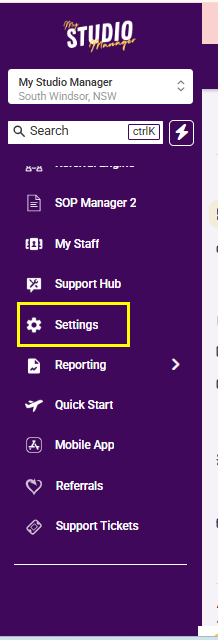
Go to Phone Systems.
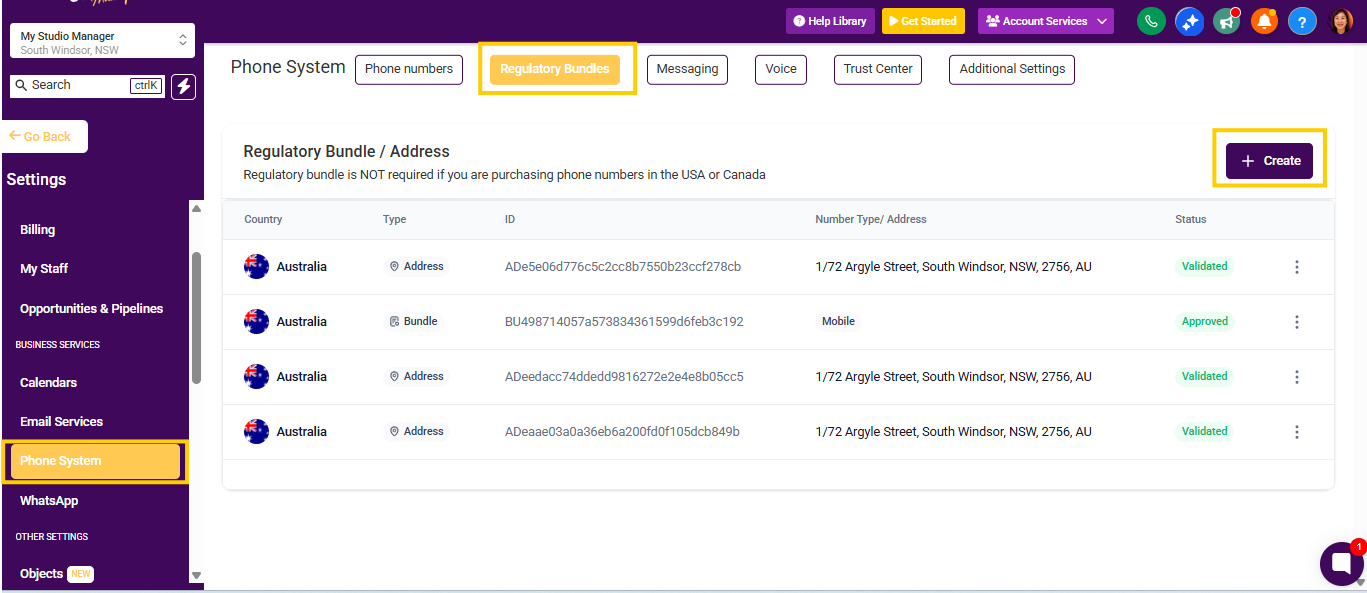
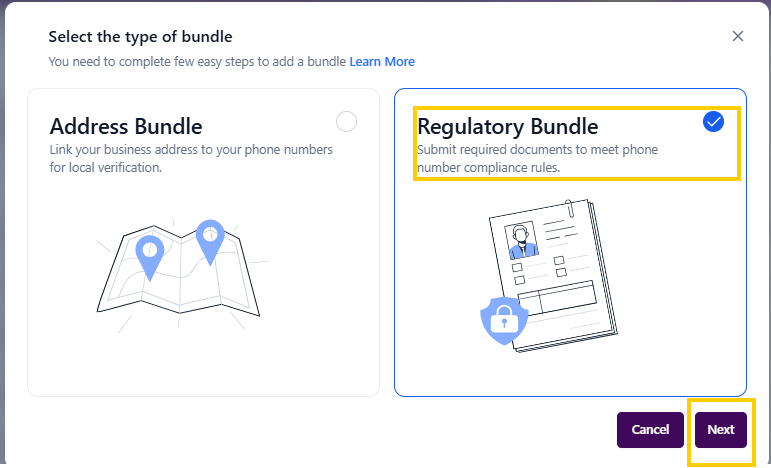
Click Regulatory Bundle, then select Create.
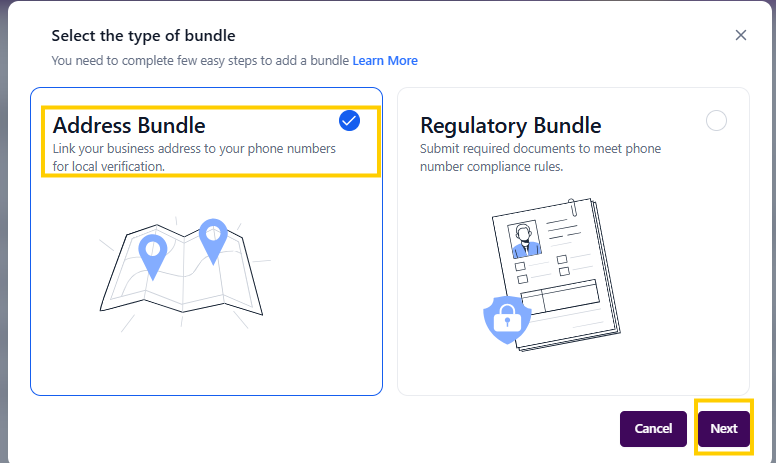
Click Address Bundle.
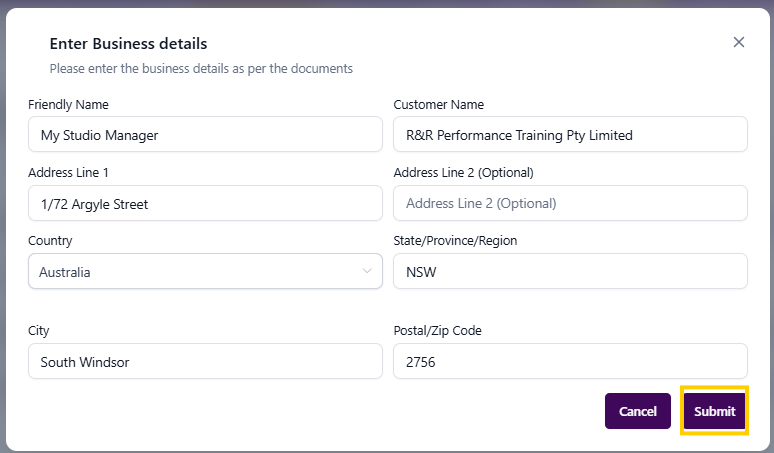
Enter your business details exactly as they appear on your ASIC Business Registration Certificate.
For Friendly Name and Customer Name, enter your business name exactly as it appears on your registration certificate.
Click Create, then click Next.
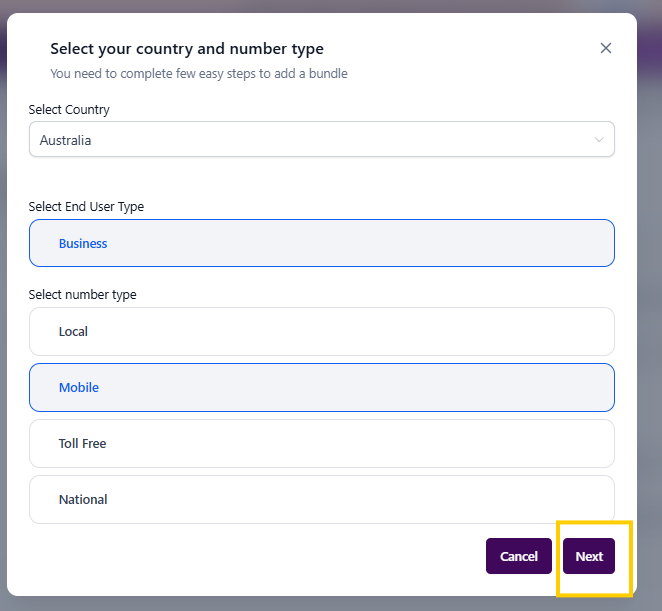
Select Australia as the country.
Select Mobile as the number type.
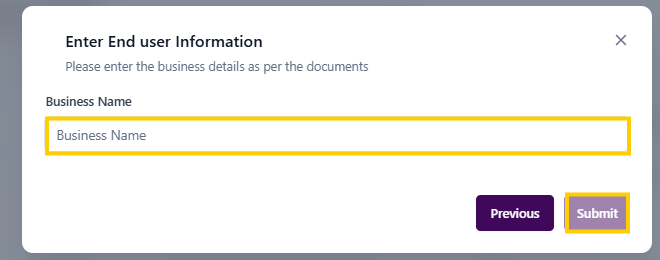
Enter your Business Name exactly as it appears on your ASIC Business Registration Certificate.
Click Submit.
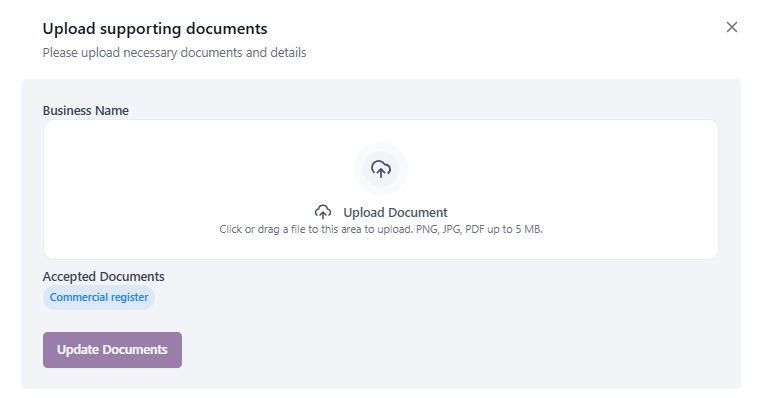
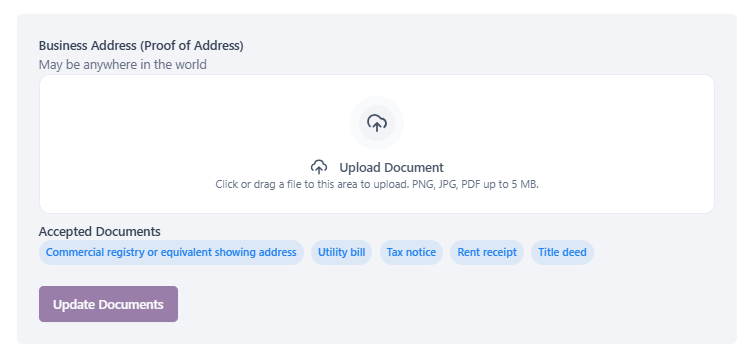
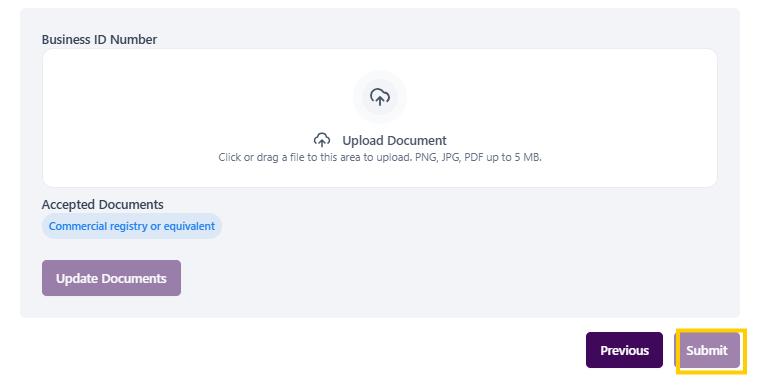
Upload the required documents.
We recommend using the original PDF from your ASIC Business Registration Certificate, which includes your ABN, Business Name, and Principal Business Address.
This document can usually be used for all three required sections.
Once your documents are uploaded, submit your application.
Approval may take a few days. Once approved, you will be able to select and purchase a phone number for your Phone System.
mystudiomanager.07032026
